


Relive your favorite moments in six simple steps with your new EverOrb.
The EverOrb is a stunning way to relive my travel adventures—so easy to use and so immersive!
Alicia M., Seattle, WA
I gifted this to my parents and they absolutely love their rotating memory display—such a unique conversation piece.
David K., Austin, TX
Compact, beautiful, and so simple to upload photos—EverOrb made sharing memories with loved ones magical.
Priya S., New York, NY


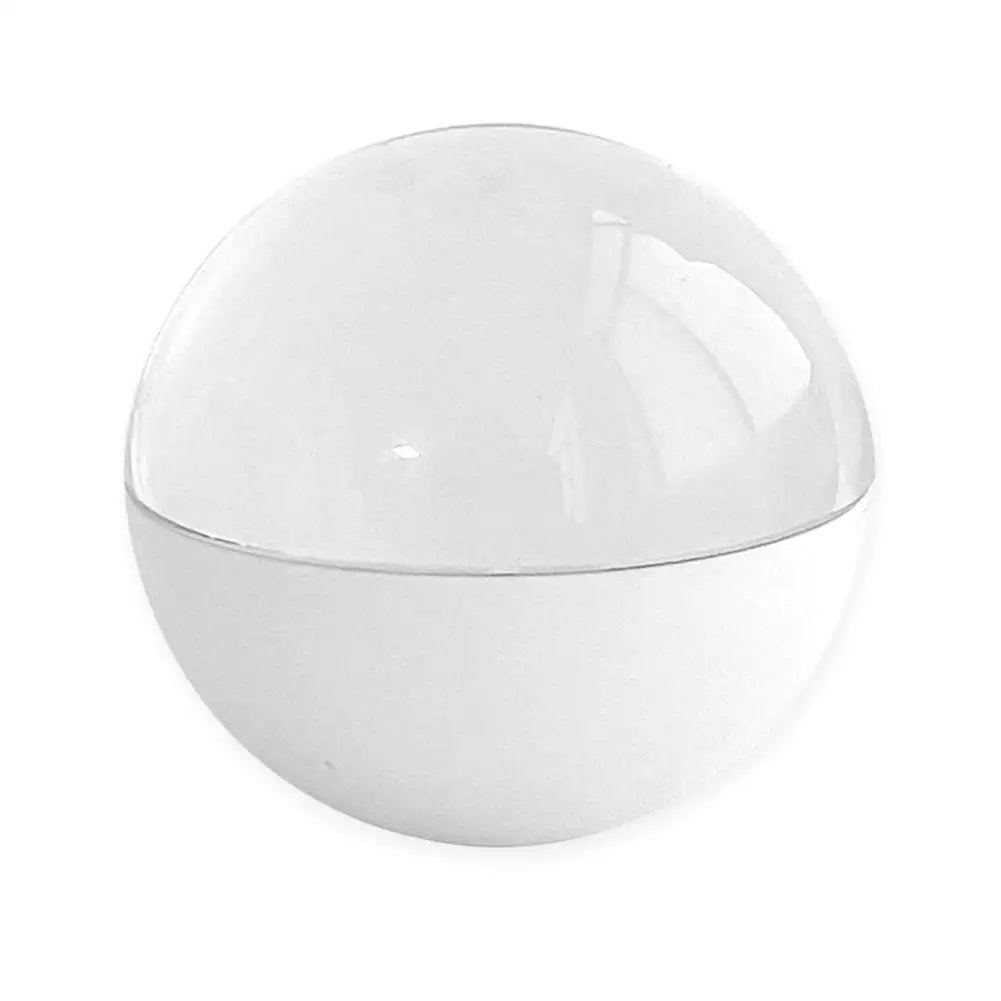

How EverOrb Works
Your Memory Timeline
1
Connect to Computer
Plug the EverOrb into your computer’s USB port to power and transfer files.
2
Upload Your Memories
Drag and drop high-resolution images and clips into the device folder.
3
Place on Stand
Set EverOrb on the included stand for stable, 360° viewing.
4
Press the Button
Use the single control button to start, pause, and adjust volume.
5
Enjoy the Display
Watch your memories rotate in a full spherical projection.
6
Share with Loved Ones
Invite friends and family to gather around and reminisce together.
Experience the magic of immersive memory display
Real Results from EverOrb
95%
View your moments in stunning clarity
88%
Share memories with loved ones easily
92%
Set up without any extra apps
Individual experiences may vary based on content quality and viewing conditions.

EverOrb
Your Memories, Displayed in 360°
360° Immersion
A spherical design that showcases memories from every angle.
4GB Storage
Holds high-resolution photos and video clips without extra devices.

One-Button Control
Simple playback and volume adjustment with a single button.
USB Connectivity
Quickly upload memories using any standard USB port.

360° Immersion
A spherical design that showcases memories from every angle.
4GB Storage
Holds high-resolution photos and video clips without extra devices.
One-Button Control
Simple playback and volume adjustment with a single button.
USB Connectivity
Quickly upload memories using any standard USB port.


Why Choose EverOrb?
- Immersive 360° spherical display - No app required - Easy USB uploads - Built-in memory for high-res clips
EverOrb vs. Others
See how EverOrb stands out compared to other memory displays.

EverOrb
- 360° immersive viewing experience
- 4GB built-in high res storage
- Simple one-button operation
- No app or Wi-Fi needed
- Quick USB upload support
others
- Limited viewing angles only
- Requires extra storage devices
- Complex app setup needed
- Dependent on Wi-Fi connection
- Slow file transfer speeds
VS
Customer Spotlight

Magical
"EverOrb transformed my living room into a gallery of memories—my guests were amazed every time."
Portland, OR

Effortless
"I connected and uploaded photos in seconds—no apps, no fuss, just pure nostalgia."
Miami, FL

Delightful
"The 360° display is a showstopper at family gatherings—everyone wants to try it out!"
San Francisco, CA
Simply plug the EverOrb into your computer’s USB port and drag and drop your image and clip files into the device folder.
No app is required—just upload your memories via USB and control playback with the built-in button.
EverOrb supports standard JPEG, PNG for images and MP4, MOV for video clips.
EverOrb runs directly from USB power and does not use a battery, ensuring continuous playback.
Yes, EverOrb works worldwide with any standard USB port—no voltage converter needed.
Frequently Asked Questions
Contact Us